Insight
Send Back to Make Changes to the Z-Sign Process
ZorroSign's latest SEND BACK functionality allows users to easily send their envelopes back to any previous steps in the document workflow—with comments to explain any changes or additions required.
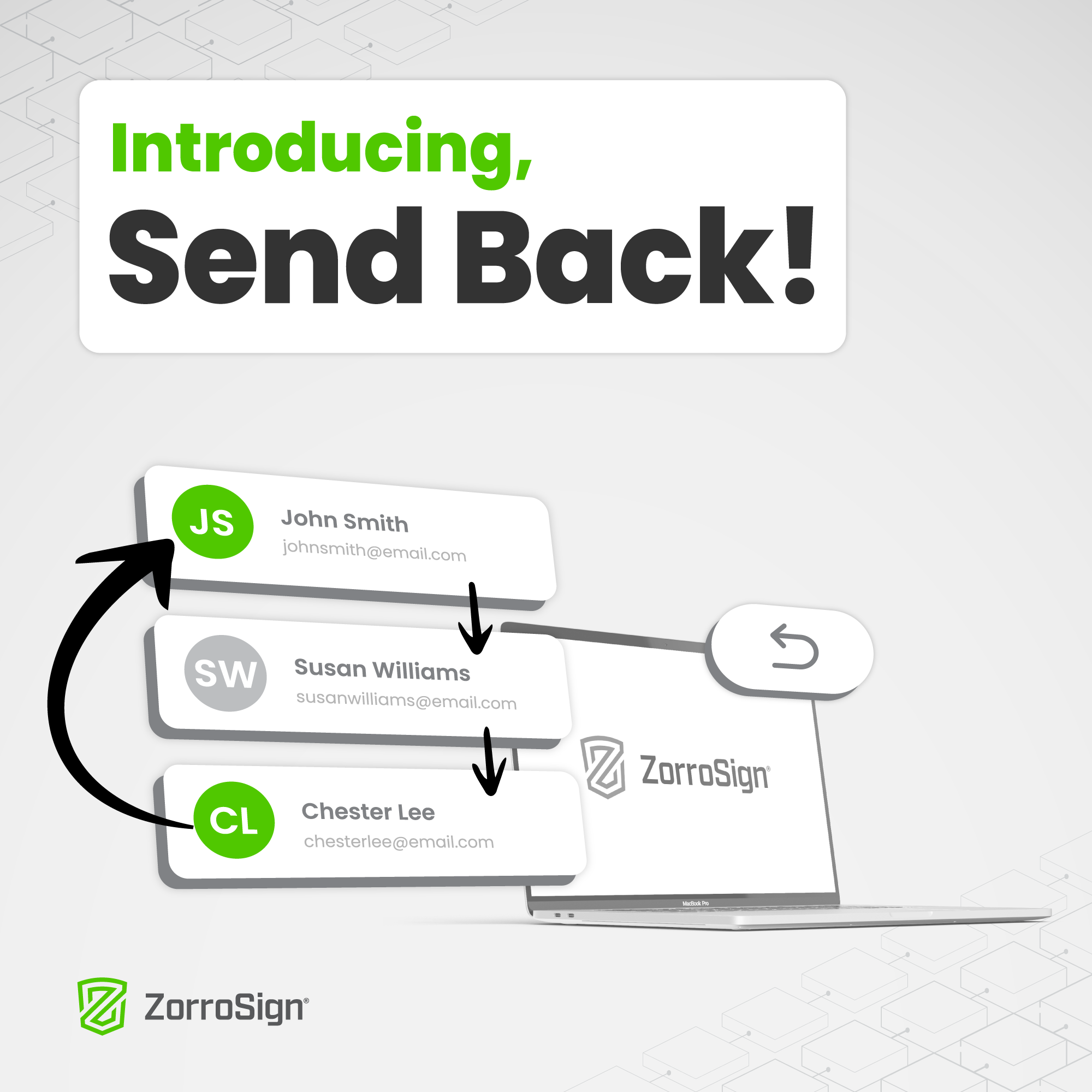
ZorroSign is proud to launch our highly anticipated Send Back feature!
This exciting functionality allows users to easily send their Z-Sign® envelopes back to any previous steps in the document workflow—with comments to explain any changes or additions required.
Envelopes that ZorroSign users Send Back will appear with a “Send Back” label within recipients’ Z-Vault® inboxes.
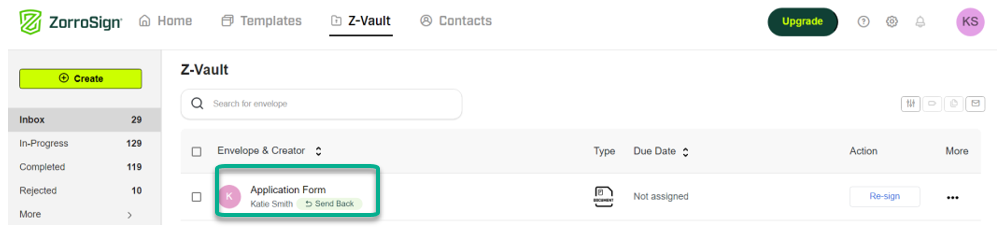
And with the Send Back comment section, users can readily identify what changes or additions they are being asked to make within the document or signing workflow.
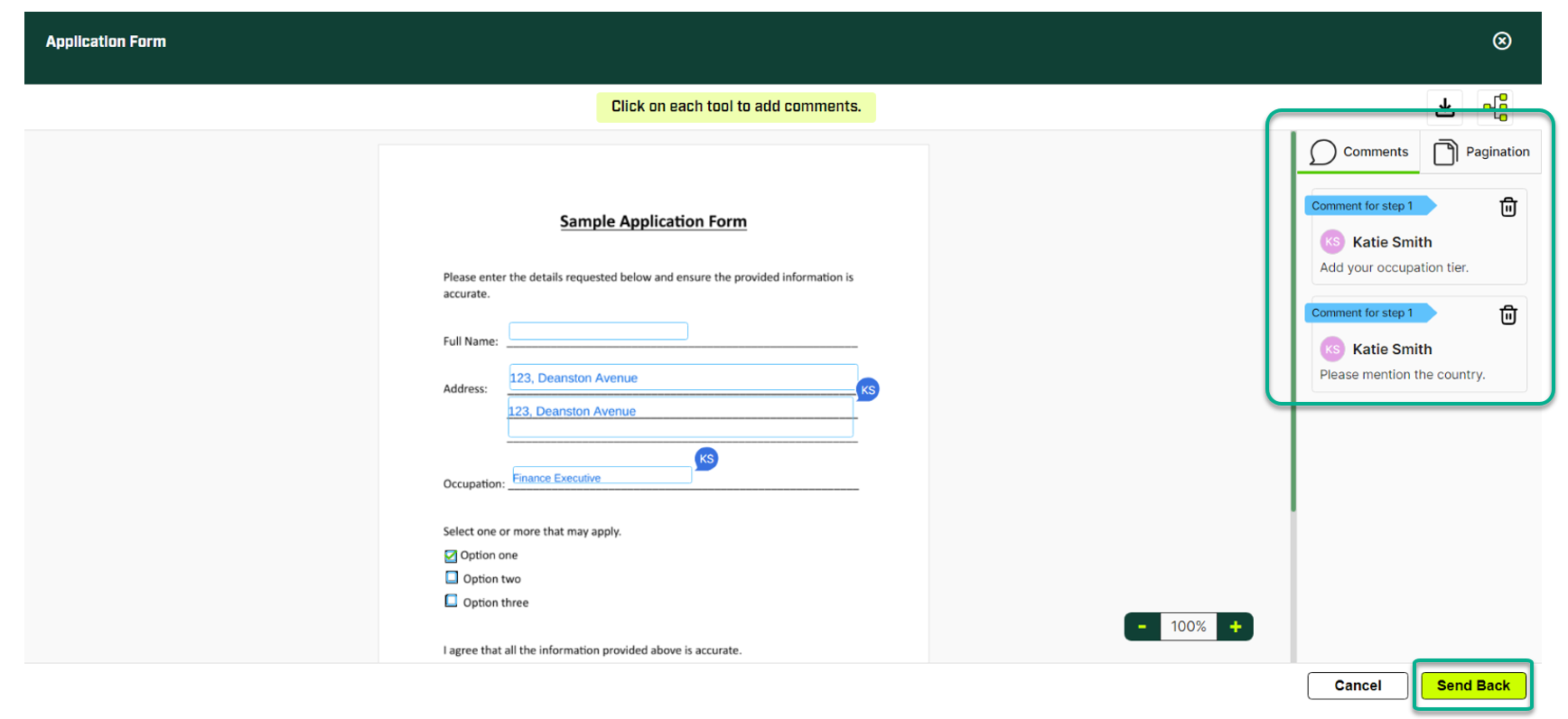
Send Back is a simple, efficient way to update your document workflow or signing process . . . even after you’ve sent documents out for review, approval, or Z-signing!
Visit our online Help Center for more details on how to Send Back envelopes, or visit our YouTube channel for the latest how-to videos on key ZorroSign features. When privacy and security are on the line, Block It Down®!